
You’re settled into your seat, seatbelt on, bag under the seat in front of you, and just as the plane starts rolling toward the runway, it hits you. You forgot to switch your phone to airplane mode. Your stomach drops for a second. Is the plane going to fall out of the sky because of your Instagram notifications?
Short answer: no. But there’s more to the story, and in 2026 the rules around phones on planes have actually changed quite a bit from what most people remember.
Here’s the full picture of what actually happens, what airlines really care about, and what you should do if you catch yourself mid-flight with airplane mode still switched off.
Why Airlines Ask You to Turn It On in the First Place
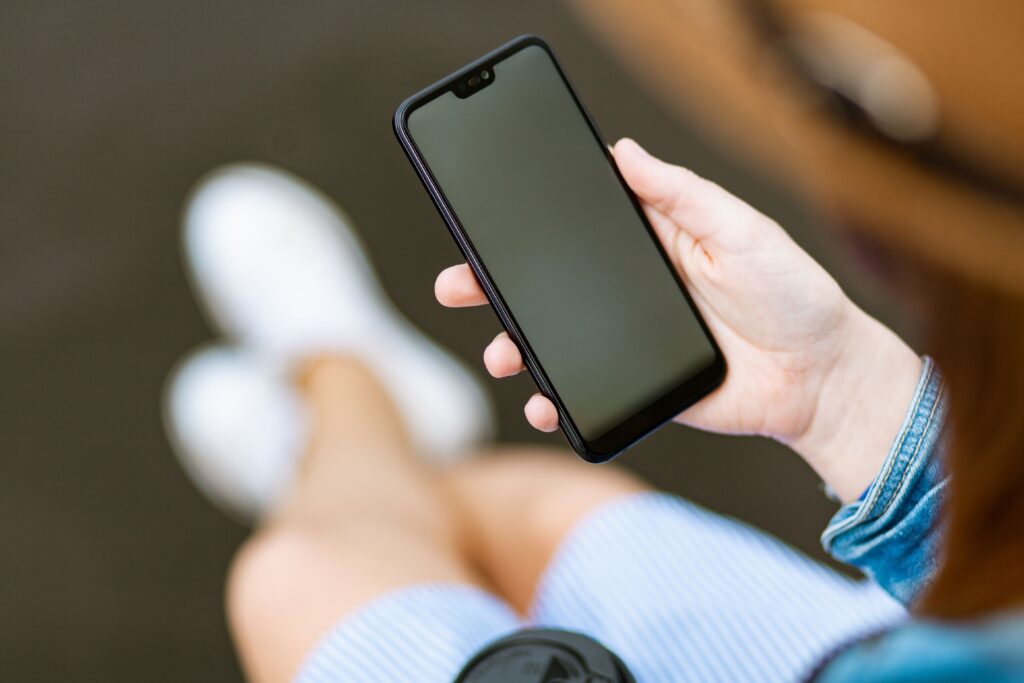
Airplane mode exists to stop your phone from constantly searching for and connecting to cell towers. When you’re at 30,000 feet moving at 500 miles per hour, your phone tries to jump between towers every few seconds, which uses a lot more power than usual and, in theory, could create tiny bursts of radio interference near sensitive aircraft electronics.
The interference risk from a single phone is genuinely tiny. Studies from aviation regulators over the years never found a confirmed case of a phone bringing down a plane or causing a real navigation failure. Still, airlines keep the rule because “tiny risk multiplied by hundreds of flights a day” is not a bet anyone in aviation wants to take, and because a cabin full of phones all searching for signals at once is a different story than just one.
So What Really Happens If You Forget?
Nothing dramatic. Here’s the realistic breakdown of what actually occurs when a phone stays in normal mode during a flight.
- Your phone just won’t find a signal.
Once you’re above a certain altitude, your phone loses connection to ground towers anyway. It’ll keep searching, which drains the battery faster, but it won’t magically start working.
- The cabin crew might notice and ask you to switch it.
On some airlines this still happens during safety checks before takeoff and landing. It’s usually a polite reminder, not a big incident. Nobody gets pulled off a flight for this.
- Your battery takes a hit.
This is the most common real consequence. A phone hunting for a signal for hours can drain 20 to 30 percent more battery than one sitting in airplane mode, which matters if you land somewhere and need your phone for a taxi, a hotel check-in, or a boarding pass for your next connection.
- No, the plane is not going to crash.
Modern aircraft are shielded and tested against far stronger interference than a phone could ever produce. If you forgot and only realized once you were already at cruising altitude, you didn’t do anything dangerous.
- You probably won’t even get a real warning.
Most flights today are quiet about it. Crews are far more focused on seatbelts, tray tables, and overhead bins than chasing down individual phones once the plane is airborne.
Does Forgetting Get You in Actual Trouble?
Almost never. There have been rare, well publicized cases of passengers getting removed from flights for refusing to comply after being asked directly, repeatedly, by crew. That’s a compliance issue, not a phone issue. If a flight attendant asks you once and you switch it on, that’s the end of it.
If you’re the type who worries about this every flight, a simple habit fixes it for good: switch on airplane mode the second you sit down and buckle in, before you even open your book or your playlist. Muscle memory beats trying to remember mid-boarding.
What About Wifi and Bluetooth in 2026?
This is where things have genuinely changed. Airplane mode used to mean “everything off.” Now, most airlines let you switch airplane mode on and then turn WIFI and Bluetooth back on separately, which is exactly how in-flight Wi-Fi and Bluetooth headphones work on almost every major US carrier today.
Delta, JetBlue, American, and United all support this setup on the majority of their fleet now. So the modern rule of thumb is: airplane mode on for the cellular radio, wifi and Bluetooth back on if you want to stream, message, or use noise-cancelling headphones. It’s not the strict “phone off completely” rule people remember from a decade ago.
A few regional and international carriers are still catching up on their older aircraft, so it’s worth checking the airline’s app or the safety card in your seat pocket if you’re not sure.
Real Risks vs Common Myths
Let’s separate what’s actually true from what people just repeat because they heard it somewhere.
Myth: a phone left on can crash a plane. Not supported by any confirmed incident or aviation investigation.
Myth: airlines only ask for a show, it doesn’t matter at all. Not quite true either. Interference risk is small per phone but airlines manage it at scale across a whole cabin, so the rule still has a real, if modest, purpose.
Fact: your battery and your neighbor’s patience are the two things actually affected. A phone constantly searching for towers can also occasionally cause a faint buzzing in speakers or headphones nearby, the same static you sometimes hear near a phone that’s about to ring.
Fact: leaving location services or GPS-based apps open in airplane mode still works fine for offline maps, since GPS doesn’t rely on cell signals.
What to Do If You Realize Mid-Flight
Just switch it on. There’s no special process. Swipe down (or up, depending on your phone) to your control center and tap the airplane icon. If wifi is available on that flight and you want it, tap wifi back on afterward and connect through the airline’s portal.
If a flight attendant already asked you about it, a quick “sorry, just switched it now” is all that’s needed. Nobody logs it, nobody flags your ticket, and it has zero effect on future bookings or check-ins.
Airplane Mode Habits Worth Building for 2026 Travel
A few small habits make this a non-issue for every flight going forward.
Turn on airplane mode as soon as you board, not when the doors close. It’s one less thing to remember once things get busy.
Download offline content (maps, playlists, shows) before you get to the gate, since you’ll want it once you’re airborne without a strong signal anyway.
Carry a portable charger. Even with airplane mode on, a full day of travel between flight ticket booking, boarding passes, and photos drains batteries fast.
Check the airline’s app before departure. Delta, JetBlue, and most major carriers now show live seat maps, wifi pricing, and boarding updates, which is genuinely useful for smoother travel days. FAA Flying Safe and PackSafe .
Booking Smarter Flights Beats Worrying About Phone Settings
Honestly, airplane mode is a five-second fix. The biggest stress for most travelers is finding good flight ticket costs, not phone settings. If you’re comparing flight tix for an upcoming trip, a little planning goes a long way.
When you book flight tickets online through a platform that compares multiple airlines at once, you typically get a clearer picture of real air booking flight prices instead of checking five different airline sites one by one. It also helps to compare flexible dates, since flying a day earlier or later can shift the fare noticeably.
If you’re searching for flight ticket booking near me, most booking platforms now let you filter by nearby airports too, not just your home city, which can open up cheaper routes you wouldn’t normally see.
For US routes specifically, delta flights and JetBlue booking tend to show up often in comparison searches because both carriers run frequent domestic schedules with decent on-time performance. If you’re loyal to one airline, delta airlines has one of the more generous mileage programs for frequent flyers, and delta cheap flights deals tend to show up around shoulder season, so keep an eye out in early spring and late fall.
Whatever you fly, the actual in-flight phone routine stays the same: seatbelt on, bag stowed, airplane mode on, and you’re set for takeoff.
✅ Check it out : Will Your Seat Have a Power Outlet?
Frequently Asked Questions
1. Does forgetting airplane mode actually interfere with the plane’s navigation systems?
No confirmed case exists of a personal phone disrupting an aircraft’s navigation or communication systems. Modern planes are shielded against much stronger interference than a phone can produce. The rule exists more as a precaution at scale than a proven daily risk.
2. Will I get fined or flagged for forgetting to turn it on?
No. There’s no fine, no record, and no impact on future travel. The only real scenario where it becomes an issue is if a passenger refuses to comply after being asked directly by the crew, which is a behavior issue rather than a phone issue.
3. Can I use WIFI and Bluetooth even with airplane mode on in 2026?
Yes, on most major carriers including Delta and JetBlue. Airplane mode turns off the cellular radio, and you can then separately switch wifi and Bluetooth back on to use in-flight internet or wireless headphones.
4. What happens to my phone’s battery if I forget airplane mode for a whole flight?
It drains noticeably faster, sometimes 20 to 30 percent more over a long flight, since the phone keeps searching for cell towers it can’t reach at altitude.
5. Does airplane mode affect GPS or offline maps?
No. GPS works independently of cell signal, so offline maps and location-based apps still function normally in airplane mode.
6. Is it worse to forget airplane mode on international flights?
Not in terms of safety, but it can be worse for your wallet. Some phones will grab a foreign cell signal briefly during taxiing or gate time, which can trigger international roaming charges. Airplane mode avoids that risk entirely.
7. Do budget airlines enforce this rule more strictly than major carriers like Delta or JetBlue?
Enforcement varies more by individual crew than by airline size. Major US carriers have generally relaxed the strictness of enforcement compared to a decade ago, focusing announcements on safety basics rather than policing every phone.
👉 Need help finding the best airfare ? CLICK HERE
👉 For More Information : 📞 +1 (844) 551-9200